 bento-deck-studio
Every theme color, mapped
All 12 theme colors resolve through each slide master's color map, so dark and light variants stay true to the source.
GitHub Copilot plugin · v1.0.0
bento-deck-studio reads a template's colors, fonts, proportions, and layouts, then builds native bento slides and an optional companion site, right from the Copilot app or Copilot CLI.
How it works
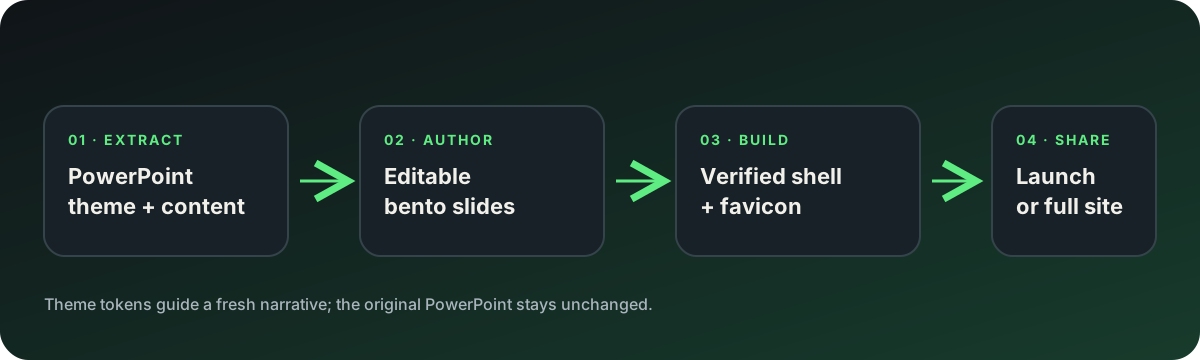
One agent coordinates six Agent Skills, and checks with you at each decision that matters.
Read colors, fonts, slide size, masters, and layouts from a .pptx or .potx.
Shape your topic, notes, or Markdown into a clear narrative on the template's own layouts.
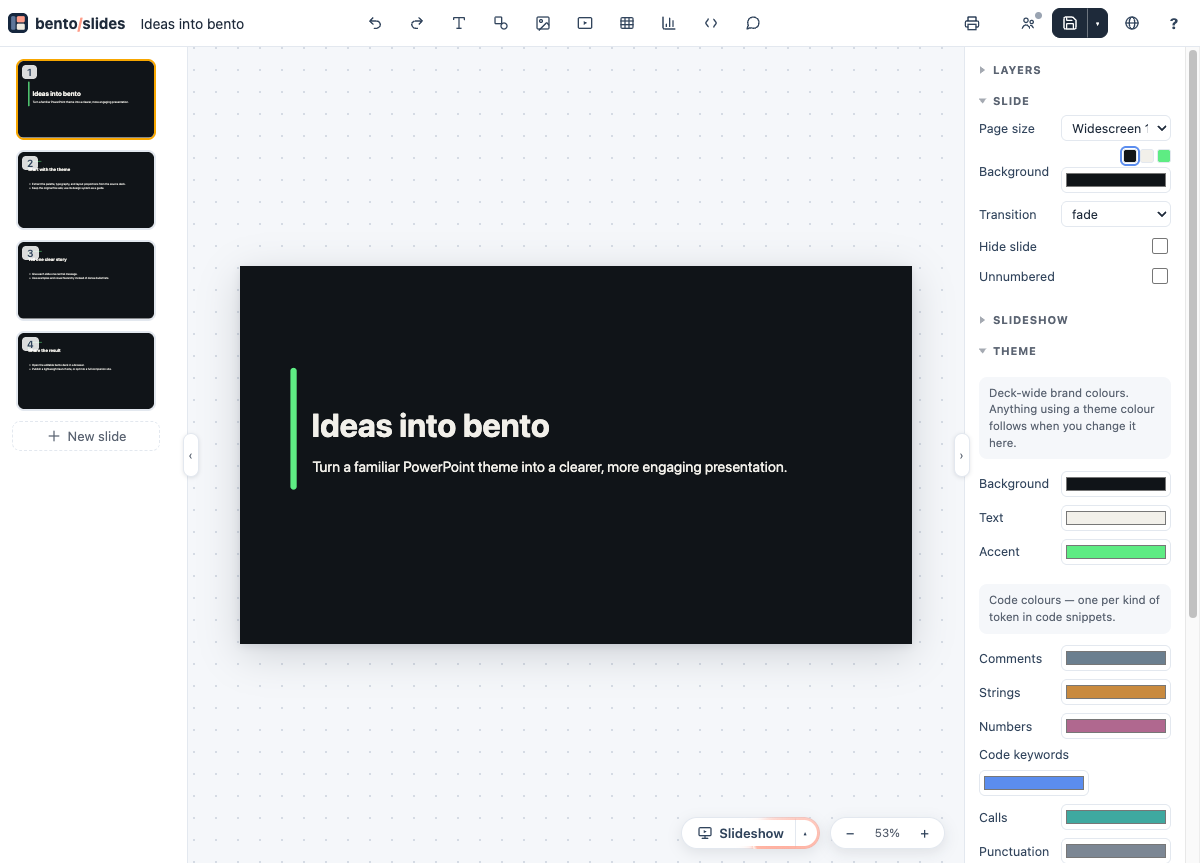
Create an editable .bento.html from the signed bento shell, with a favicon.
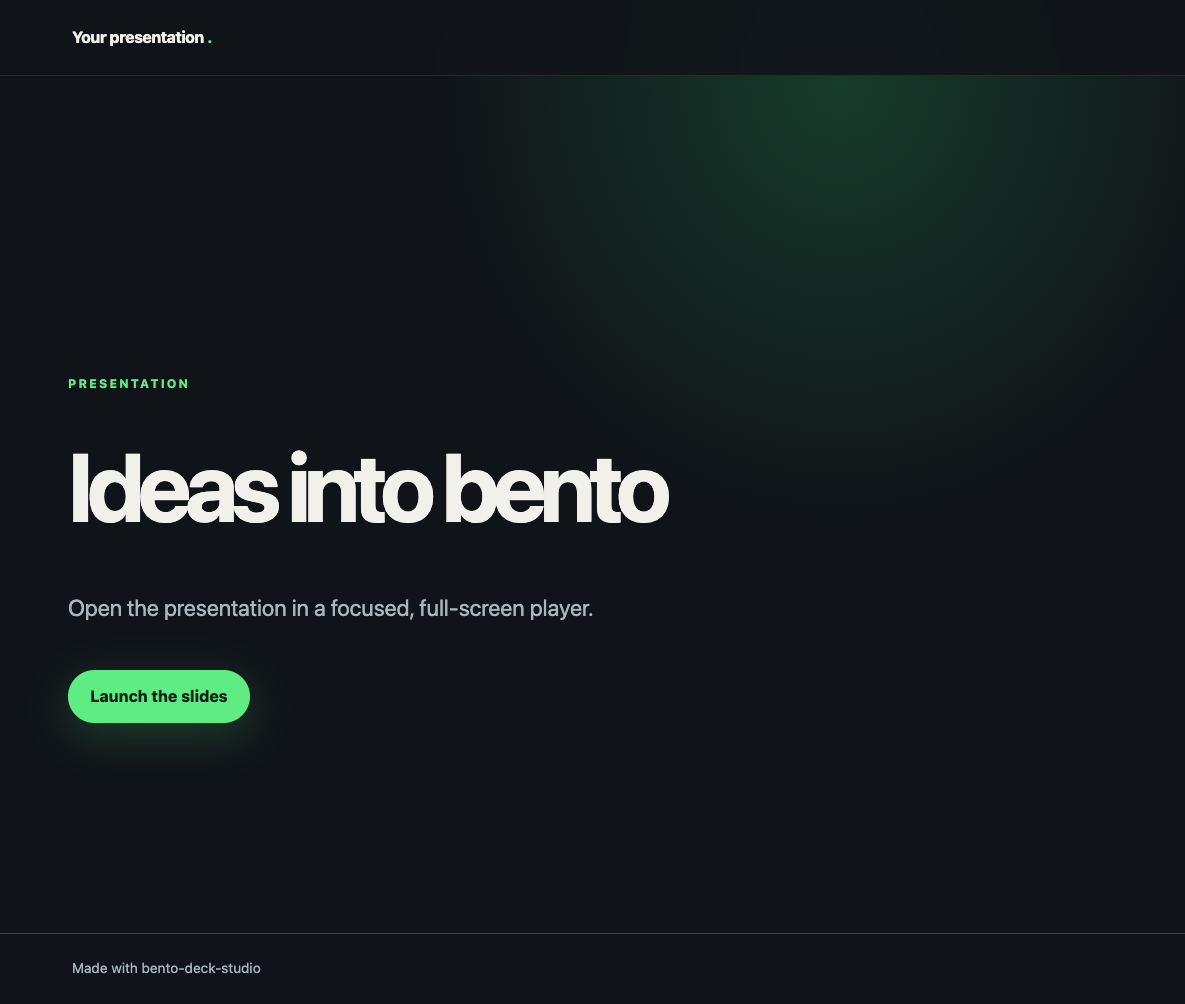
Publish a launch page or a full companion site, with a read-only copy of the deck.
Built to match the source
Slides stay native and editable, while the look comes straight from the template you already trust.
All 12 theme colors resolve through each slide master's color map, so dark and light variants stay true to the source.
Font metrics set sizes and line heights to match PowerPoint, and fonts are embedded only when their license allows it.
16:9
Slide size and placeholder positions carry over from each layout.
6
Cover, content, section, statement, closing, and blank.
Public decks are read-only, with speaker notes and collaboration keys removed. Favicons come from your image or a theme-colored monogram.
Every build checks the bento shell's ECDSA signature and SHA-256. The scripts use Node.js built-ins only.
Demo
A narrated tour from PowerPoint template to published slides.
Narrated with the open Kokoro-82M voice. Captions are burned in, and a caption file is available.
Install
Pin the release in the Copilot CLI:
copilot plugin marketplace add arilivigni/bento-deck-studio#v1.0.0
copilot plugin install bento-deck-studio@bento-deck-studio
In the Copilot app, add the same marketplace under Customize, then install bento-deck-studio.
Use the bento-deck-studio agent to turn brand-template.potx
and notes.md into bento slides, then create a launch site.